|
SnowCrest Inc., P.O. Box 1379, Mt Shasta, CA 96067 (530) 926-6888 or (530) 245-4698
|

|
|
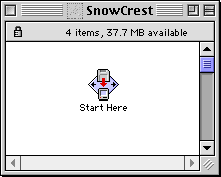
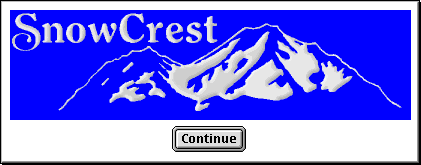
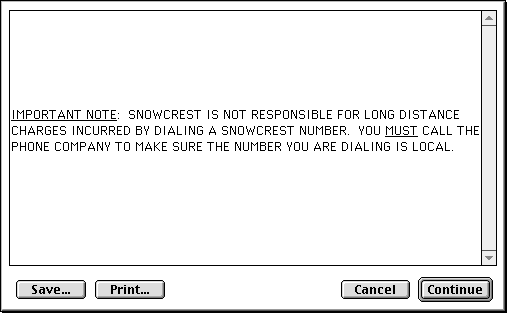
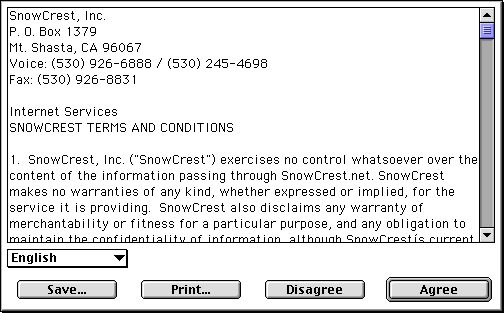
SnowCrest CD v.4 InstallThe startup sequence of this CD is a series of screens displaying license agreements. Here's what it looks like (just have them keep clicking continue or ok). If the installer doesn't auto-launch, look for the "SnowCrest" icon on the desktop, double-click that, then double-click "Start Here".
When you reach the end of these screens, there are two paths to take: Standard (Easy) Install, or Custom Install |
SnowCrest.net is © 1995-2026 SnowCrest Inc., all rights reserved. Please do not duplicate or copy any graphics, layout or code on this website. Do you have a question or comment for us? Contact us. View our terms and conditions, privacy policy, copyright policy, return/refund policy, and customer contracts. Usage of SnowCrest services constitues agreement to SnowCrest's terms and conditions. Read the Important Information Regarding California Relay Service and the Additional Information Regarding California Relay Service. This site has been validated for XHTML 1.0 Transitional and CSS 2.0.